The Crowded Airwaves: A Field Guide to What's Really Killing Your Home Wi-Fi
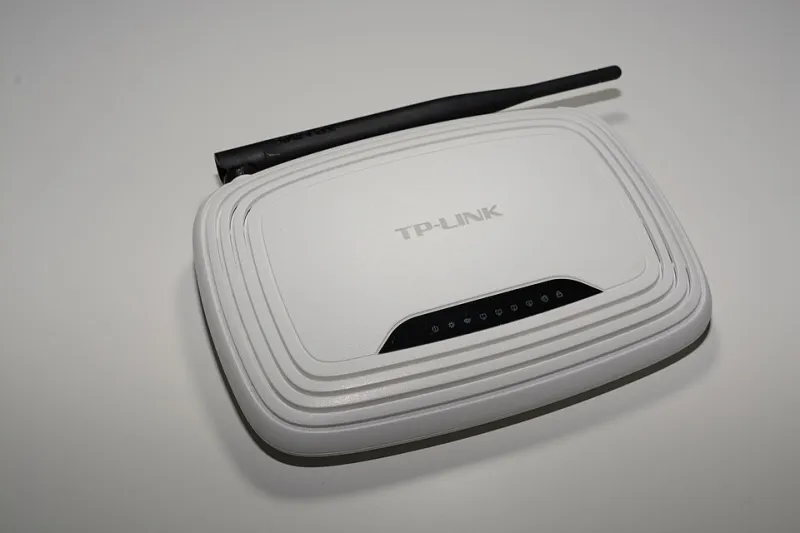
Photo: Hayden Schiff, CC BY 4.0, via Wikimedia Commons
Before you blame your internet provider, consider a simpler explanation: your home is a dense electromagnetic environment, and your Wi-Fi signal is fighting for survival in it. Every dropped video call has a wave-mechanics story. Here are the five most common culprits, and what the physics says you can actually do about each.
1. The Microwave Oven: A 2.45 GHz Rival
Microwave ovens operate in the same 2.4 GHz band as legacy Wi-Fi. The oven's magnetron leaks just enough radiation to swamp nearby receivers, which is why video calls stutter when someone reheats lunch. The fix is architectural: use the 5 GHz or 6 GHz band, which the oven cannot touch. If your router still broadcasts only 2.4 GHz, the hardware—not the ISP—is the bottleneck.
2. Neighbor Networks: The Co-Channel Crowd
In apartment buildings, your device hears dozens of competing access points. When two networks transmit on the same channel simultaneously, their signals overlap and collide—a textbook interference scenario. Most routers default to crowded channels simply because everyone else did. Open a Wi-Fi analyzer app, find the least occupied channel in your building, and set it manually. In dense urban areas, moving to 5 GHz shrinks your cell size but escapes the congestion entirely.
3. Thick Walls: Absorption and Reflection
Wi-Fi is a radio wave, and building materials are frequency-selective filters. Drywall barely attenuates 2.4 GHz signals; concrete, brick, and especially metal studs can reduce them by 20 dB or more. Mirrors and metal appliances reflect signals, creating multipath ghosting that corrupts data. The fix is placement, not power: centralize the router, keep it away from metal, and add a wired access point on the far floor rather than cranking transmit power (which worsens interference for everyone, including you).
4. Baby Monitors and Bluetooth: The ISM Free-for-All
The 2.4 GHz band is unlicensed, which means analog baby monitors, older Bluetooth devices, and wireless cameras all share it with Wi-Fi. These narrowband transmitters act like localized jammers. Modern Bluetooth uses frequency-hopping to coexist, but cheap analog monitors do not. Replace legacy 2.4 GHz devices with DECT or Wi-Fi-native alternatives, and your connection will stabilize overnight.
5. Your Own Router: Self-Inflicted Interference
Two routers broadcasting identical network names on overlapping channels create roaming chaos—your device clings to the distant, weaker access point. Mesh systems solve this with coordinated backhaul and band steering, effectively managing interference rather than merely adding transmitters. More boxes is not the answer; orchestrated ones are.
The Underlying Principle
Every fix above follows the same logic: reduce competing energy at your receiver's frequency, or move your signal to emptier spectrum. Wi-Fi problems are rarely bandwidth problems. They are interference problems—and interference, unlike bandwidth, is something a homeowner can actually engineer away.